
Business Phone Systems · technology service
Business phone systems designed around how your calls are answered
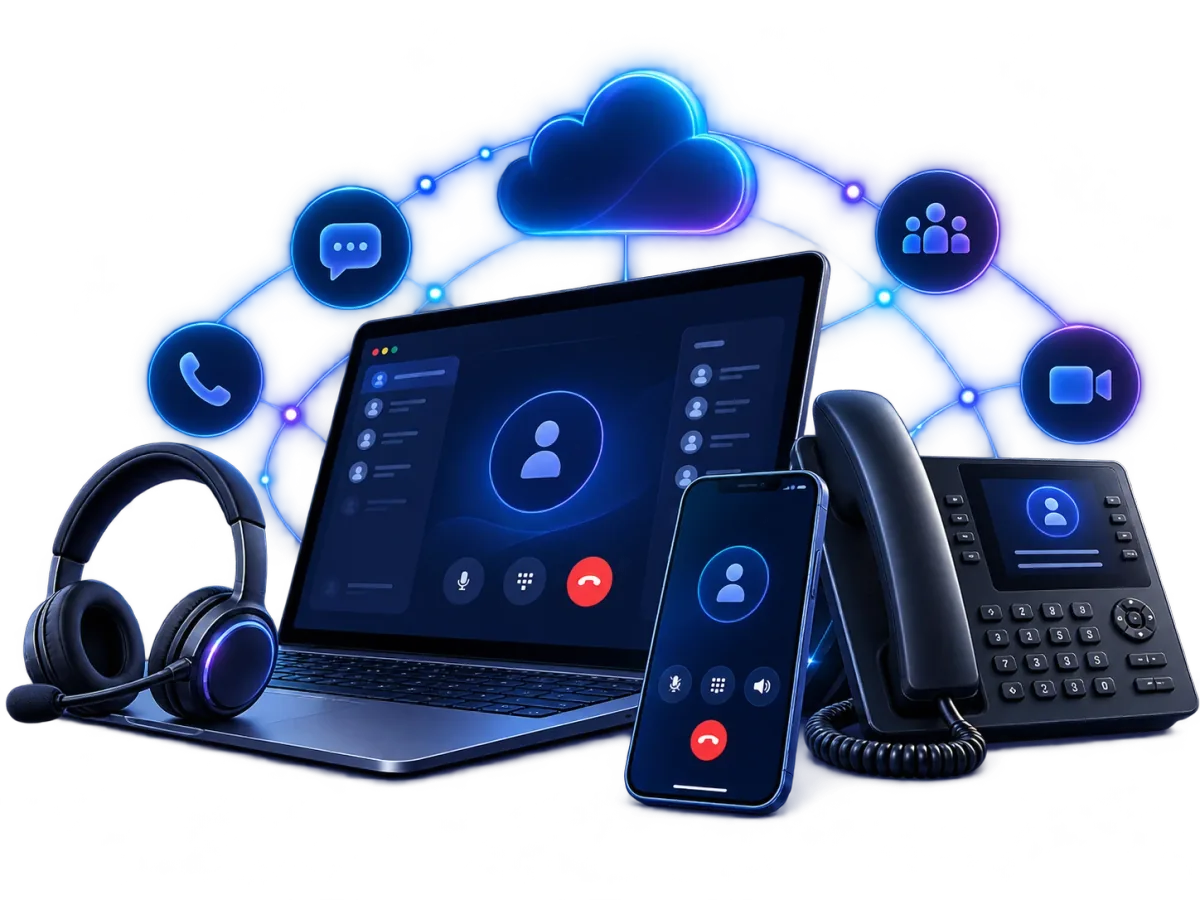
Vantrel supplies and runs cloud phone systems, Microsoft Teams calling and Webex calling for Australian businesses, designed around how each site takes calls, so changing who answers is a setting rather than a visit.
What you get from Vantrel
The system, the numbers, the call flows, the move and the support
- The calling environment: a cloud phone system, Microsoft Teams calling or Webex calling, supplied and run by Vantrel
- Your numbers: the main line, direct numbers, and 1300 and 1800 numbers where the business has them
- Call-flow design: reception, hunt groups, queues and after-hours rules, built from how each site takes calls
- Users and their apps: softphones and the mobile app configured per person, and the handsets and headsets the business uses
- Porting of the numbers you already have, run by Vantrel
- Implementation and testing, then one named Vantrel account owner, with your existing providers managed on your behalf where that is agreed
Before you compare products
Decide the configuration first
You will still choose a platform. The decisions that determine whether it works for you come first: how your people take calls, how many sites you run, and what you already pay Microsoft or Cisco for.
- Users, and how they take calls
A receptionist who answers everything, a sales team on mobiles, a warehouse with one shared handset and an office on headsets need different things from the same system. The configuration starts with who answers, from where, on what.
- Sites
With one site, the decision is the phone system and the connection or connections it depends on. Add two more and it is also what happens to calls at a site whose connection has failed: connectivity and resilience decisions that a user count alone does not show.
- What you already pay for
If each user who needs to call already has a Microsoft 365 licence that includes Teams, Teams calling is worth comparing against a separate system: the Teams Phone layers still have to be added, and whether that costs less depends on how people take calls, which devices they need and what is already paid for. The same comparison applies to a business that runs on Webex. Where neither platform is in daily use, a cloud phone system is the base to compare first.
How calls reach your people
One call, through the numbers, the flows and the sites
An on-site PBX runs call control from equipment at your premises, so changing the routing, or recovering from a fault, depends on who can get to that equipment. A cloud phone system runs call control on a provider's platform instead: the numbers point to the platform, the routing is a setting, and handsets, softphones and the mobile app reach the same system over the internet, from the branch or from a ute.
- A customer dials the main numberin business hours
- Reception is busythe call rolls to the sales hunt group
- Three handsets at head office ringover the head-office connection
- One mobile app rings in the fieldover the mobile network
- After hours, the same call goes to whoever is on callor to an answering service if the business uses one
- Numbersthe main line, direct numbers, and 1300 or 1800 numbers where the business has them
- Call flowsreception, a hunt group for sales, a queue for support, an after-hours rule
- Users at siteshead office on handsets and headsets, the branch on handsets, field staff on the mobile app
- Site internetthe connection each site's calls travel over
The terms overlap in practice. A cloud phone system, sometimes sold as a hosted PBX, is call control run on a provider's platform; VoIP is the way voice travels to it over an internet connection. A "VoIP phone system" usually means the same arrangement.
Two platform paths: Microsoft Teams Calling and Webex Calling
Three bases, compared
A Teams Phone licence and a connection to the Australian phone network turn Teams into the phone system: numbers, call queues and auto attendants are configured inside it, and the separate system goes. Vantrel supplies the licences, makes the connection through Microsoft Calling Plans, Operator Connect or Direct Routing, whichever suits the business, and ports the numbers. Webex calling is the equivalent for a business that already runs Webex for meetings and devices.
| Dimension | Cloud phone system | Microsoft Teams calling | Webex calling |
|---|---|---|---|
| Starts from | No platform in daily use; any mix of handsets, softphones and mobiles | Microsoft 365 licences already in place | Webex already used for meetings or devices |
| Numbers | Main, direct, 1300 and 1800 | Main, direct, 1300 and 1800, brought into Teams | Main and direct |
| Call flows | Reception, hunt groups, queues, after-hours rules | Auto attendants and call queues in Teams | Call queues and attendants in Webex |
| Devices | Desk handsets, headsets, mobile app | Handsets and headsets Certified for Microsoft Teams, and the Teams app | Webex devices and app |
| What Vantrel supplies | The system, numbers, call-flow design, porting, support | Teams Phone licences, the phone-network connection, numbers, porting, support | Calling on Webex, numbers, call-flow design, porting, support |
Moving without losing calls
Five steps, then one named account owner
After go-live, one named Vantrel account owner is your point of contact. Where it is agreed, Vantrel also manages your other providers on your behalf, faults and renewals included, so a problem that sits between the phone system and the internet connection is Vantrel's to chase.
When the internet drops, the phones go with it
The cloud service keeps running when a site's connection fails; what stops is the handsets at that site. The design answers it in two places: a second path (a second service or a mobile backup) at the sites where calling matters most, and a call-flow rule that sends calls to mobiles or another site when a site's handsets cannot be reached. 000 works from VoIP services, but the operator will ask for the town and state, so the address recorded against each number and site has to be kept current. Emergency calling and outage behaviour, row by row.
- 01Inventory
The numbers the business owns, the users, the sites, the call flows that exist today, and the contract end dates that set the timing. You provide these.
- 02Design
Who answers what, from where, on which device, and what happens after hours and when a site's connection fails. Vantrel works this out.
- 03Port
Existing numbers, including 1300 and 1800 numbers, move to the new system; Vantrel runs the port and tells you what to provide.
- 04Test
The call flows and devices checked before go-live, together.
- 05Cut over
The numbers move to the new system and the old one is retired, in a sequence agreed with you.
What makes up the cost: a per-user price is one of seven parts
The parts that vary most between businesses are usually handsets and resilience, not licences. The parts are the same whether the base is a cloud phone system or Teams; what changes is which ones you already pay for. Last reviewed 18 October 2026.
- User licences: one per person, priced by what the person needs
- Numbers: main line, direct, 1300 or 1800, each with a monthly charge
- Call plans: included calls, or charged per call
- Handsets and headsets: how many desks still need a physical phone
- Set-up: call-flow design, configuration and testing
- Porting: moving existing numbers across, once
- Resilience: a second connection or mobile backup at the sites that need it
Users, sites, numbers and contract end dates are enough to start.
Questions before you decide
What is the difference between a PBX, VoIP and a cloud phone system?
A PBX is the call control that runs the phones; traditionally equipment on site. VoIP is voice carried over an internet connection instead of a dedicated phone line. A cloud phone system is call control run on a provider's platform and reached over VoIP, which is why the three names turn up for the same thing.
What does a small business actually need?
A common starting point is a main number that can ring more than one person, an after-hours rule, and the mobile app for whoever is out of the office. From there, the number of sites and the call volume shape the rest, more than the length of a feature list does.
Review your current phone setup
Users, sites, numbers and contract end dates are enough to start. You get back the configuration that fits and what a move would involve, with costs where they can be given.